Ekart Return and Refund Policy – Pickup Process & Timelines Explained

Returning a product and getting your money back involves two separate players working together: the platform you ordered from (Flipkart or Myntra), which decides whether your return is approved, and Ekart, which physically handles picking the item back up. Understanding how these two pieces connect makes the whole process a lot less confusing here’s exactly how it works, from raising a return request to seeing your refund land.
Step 1: Raising a Return Request
Everything starts on the platform, not with Ekart directly:
- Open the Flipkart or Myntra app and go to My Orders.
- Select the item you want to return.
- Choose Return or Replace, and select a valid reason (damaged item, wrong item, size issue, defective product, or change of mind, depending on the product category).
- For damaged or incorrect items, you’ll usually need to upload photos as evidence before the claim is reviewed.
Return window: This varies by product category. Damaged or incorrect items are generally eligible for return within about 5 days of delivery, while certain categories like electronics and appliances may fall under a longer 10-day replacement policy. Always check the specific return window listed on your product’s order page, since it’s set per category and can differ from these general figures.
Step 2: Ekart Handles the Reverse Pickup
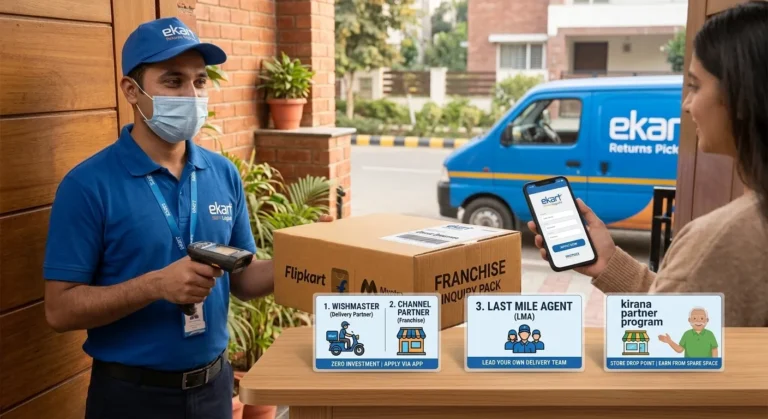
Once your return request is approved, that’s when Ekart comes into the picture. As the reverse logistics partner for most Flipkart and Myntra orders, Ekart schedules a pickup directly from your address you don’t need to ship anything yourself or visit any office.
What to expect during pickup:
- You’ll get a scheduled pickup date/window through the app or SMS.
- An Ekart agent will come to your address to collect the item.
- Keep the original packaging, tags, and invoice pickup agents can refuse to collect a return if the product doesn’t match what’s expected (missing tags, no original box, etc.), which delays the whole process.
- Once picked up, the item is scanned into Ekart’s system, and this pickup scan is what officially starts the return process on the platform’s end.
If your item is a self-ship return (some categories require the buyer to ship the item back rather than have it picked up), the instructions for this will be shown clearly in your return request — most product categories, however, use Ekart’s pickup service by default.
Step 3: Verification & Refund Processing
After Ekart picks up the item, a few things happen behind the scenes before your refund is released:
- Item verification the returned product is checked to confirm it matches the return reason (genuinely damaged, wrong item, etc.).
- Refund approval once verified, the platform approves the refund.
- Refund issued the amount is sent back to your original payment method, or as store credit/wallet balance if that was selected.
Refund timeline: Once approved, refunds typically take anywhere from 2 to 10 business days to reflect, depending on your payment method and bank processing times. UPI and wallet refunds tend to land faster, while card refunds can take closer to the higher end of that range since banks add their own processing time on top.
What If My Return Pickup Is Delayed or Missed?
This is one of the more common frustrations people report. If your scheduled pickup doesn’t happen:
- Check the app for a rescheduled pickup date this often happens automatically within 24–48 hours.
- If there’s no update after that window, contact the platform’s customer support (Flipkart/Myntra) rather than Ekart directly, since they control the return ticket and can push for a re-attempt or manually update the status.
- Keep the item and its original packaging safe until the pickup is actually completed don’t dispose of packaging just because the pickup was missed once.
Cash on Delivery (COD) Refunds
If you paid via COD, there’s no card or UPI to refund the amount to instead, refunds are typically credited to your bank account (after you provide account details) or issued as wallet/store credit, depending on what the platform offers at the time. This step usually adds a little extra time compared to a prepaid order, since it requires you to submit your bank details first. Also check the comparison Ekart vs Delhivery.
Quick Recap
- Returns are requested through the Flipkart/Myntra app, not directly through Ekart.
- Return windows vary by category commonly around 5 days for damaged/wrong items, up to 10 days for certain electronics.
- Ekart handles the physical pickup once your return is approved keep original packaging and tags ready.
- Refunds typically take 2–10 business days after pickup and verification, depending on payment method.
- COD orders take slightly longer since bank details need to be submitted first.
- If pickup is delayed, follow up with the platform (Flipkart/Myntra), not Ekart, since they control the return ticket.
If your refund is delayed well beyond the usual window even after pickup was completed, our guide on Ekart Customer Care Number, Email & How to File a Complaint covers exactly how to escalate that.

One Comment